
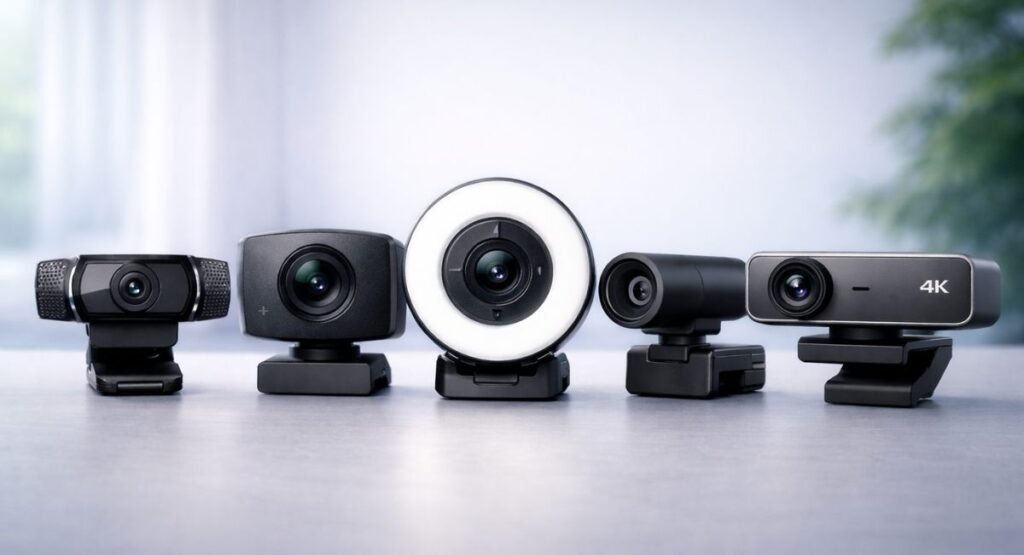
Best Webcams for Online Meetings 2026: Real-World Performance and Buying Guide
Online meetings have become an essential part of modern life. Whether you are working remotely, attending online classes, or managing clients, video communication plays a key role in how professionally you present yourself. Unfortunately, poor video quality—such as blurry visuals, bad lighting, or lag—can negatively impact your overall impression.
In this guide on Webcams for Online Meetings 2026, we focus on real-world performance instead of just technical specifications. Many people make the mistake of buying webcams based only on resolution numbers, but actual results depend on several practical factors. This article will help you understand what truly matters, how to avoid common mistakes, and how to choose a webcam that fits your setup perfectly.
What Is a Webcam and Why It Still Matters
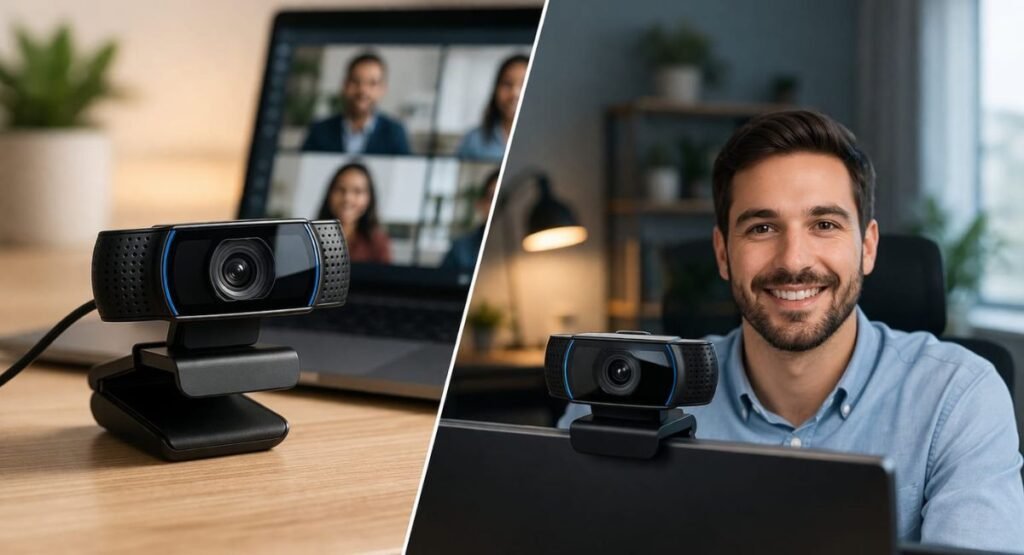
A webcam is a compact digital camera that connects to your computer or laptop, allowing you to stream video during calls, meetings, or recordings. While most laptops today include built-in webcams, their performance is often limited, especially in low-light environments.
External webcams offer noticeable improvements in clarity, color accuracy, and overall sharpness. In real-world usage, even a mid-range external webcam can outperform most built-in laptop cameras.
For example, during testing, the Logitech C920 delivered clear 1080p video even in a slightly dim room. The autofocus feature maintained a sharp image, making it ideal for professional calls. This shows that choosing the right webcam in Webcams for Online Meetings 2026 is more about practical usability than just specs.
Built-in vs External Webcam
Built-in webcams are convenient, but they often struggle with exposure control, noise in low light, and limited resolution. On the other hand, external webcams are designed specifically for video communication and offer better sensors and processing.
External webcams also allow flexibility in positioning, which helps improve framing and eye-level alignment. This small adjustment can make your video look more natural and professional.
For better setup and positioning, you can also explore Best Laptops for Productivity 2026, which discusses workspace optimization and device compatibility in detail.
Key Features That Actually Matter in Webcams for Online Meetings 2026
Resolution and Video Quality
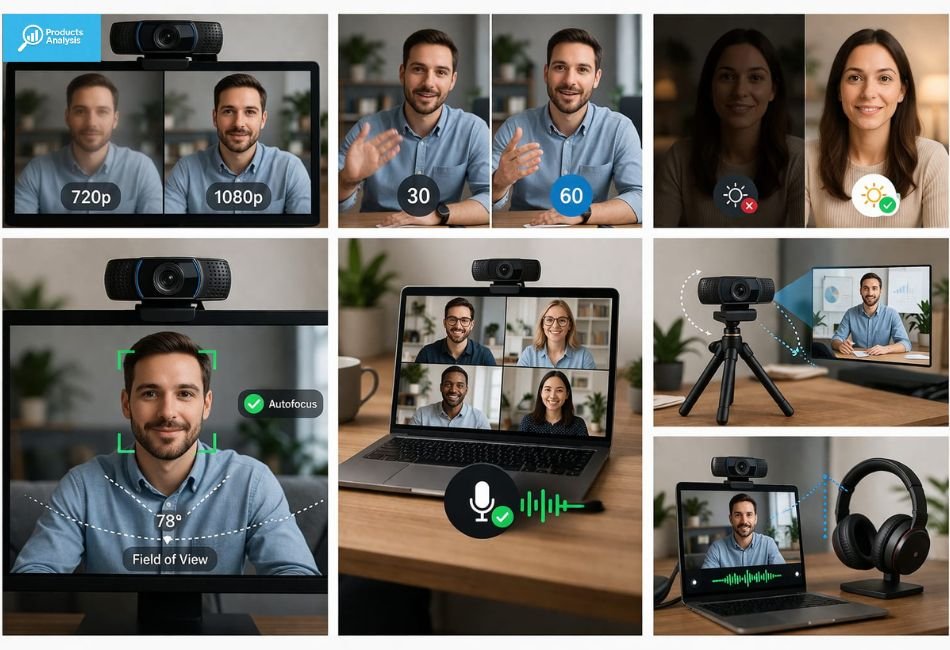
Resolution is often the first thing people consider, but it should not be the only factor. While 720p is acceptable for basic calls, 1080p has become the standard for professional use. Higher resolutions like 2K or 4K are useful mainly for content creators.
For most users, Webcams for Online Meetings 2026 perform best at 1080p, offering a balance between clarity and performance without putting too much load on your system.
Frame Rate (FPS)
Frame rate determines how smooth your video appears. A standard 30fps is sufficient for regular meetings, but 60fps provides smoother motion, especially during presentations or live demonstrations.
For instance, webcams like Razer Kiyo X show noticeable improvement at 60fps when presenting or moving during calls. This is why frame rate plays an important role in Webcams for Online Meetings 2026.
Low-Light Performance
Lighting has a major impact on video quality. Even a high-end webcam will struggle in poor lighting conditions. A simple LED light placed in front of you can dramatically improve clarity.
If you want to upgrade your lighting setup, consider checking Best LED Strip Lights for Bedroom (2026 Guide) for affordable lighting solutions that also work well for desk setups.
Autofocus and Field of View
Autofocus ensures your face remains sharp even if you move slightly. Field of View (FOV) controls how much of your surroundings are visible in the frame.
A narrower FOV is better for professional meetings, while a wider angle is useful for group calls or presentations. Proper positioning is equally important, which is why many users combine webcams with stands like Adjustable Desk Mobile Phone Holder Stand for Smartphones and Tablets for better alignment.
Built-in Microphone
Most webcams include built-in microphones, but their quality is usually average. For casual calls, they are sufficient, but for professional meetings, external audio devices are a better option.
You can improve your overall communication quality by pairing your setup with devices like OneOdio 110H Wireless Bluetooth 5.2 Headset, which provides clearer sound and reduces background noise.
Best Webcams for Online Meetings 2026
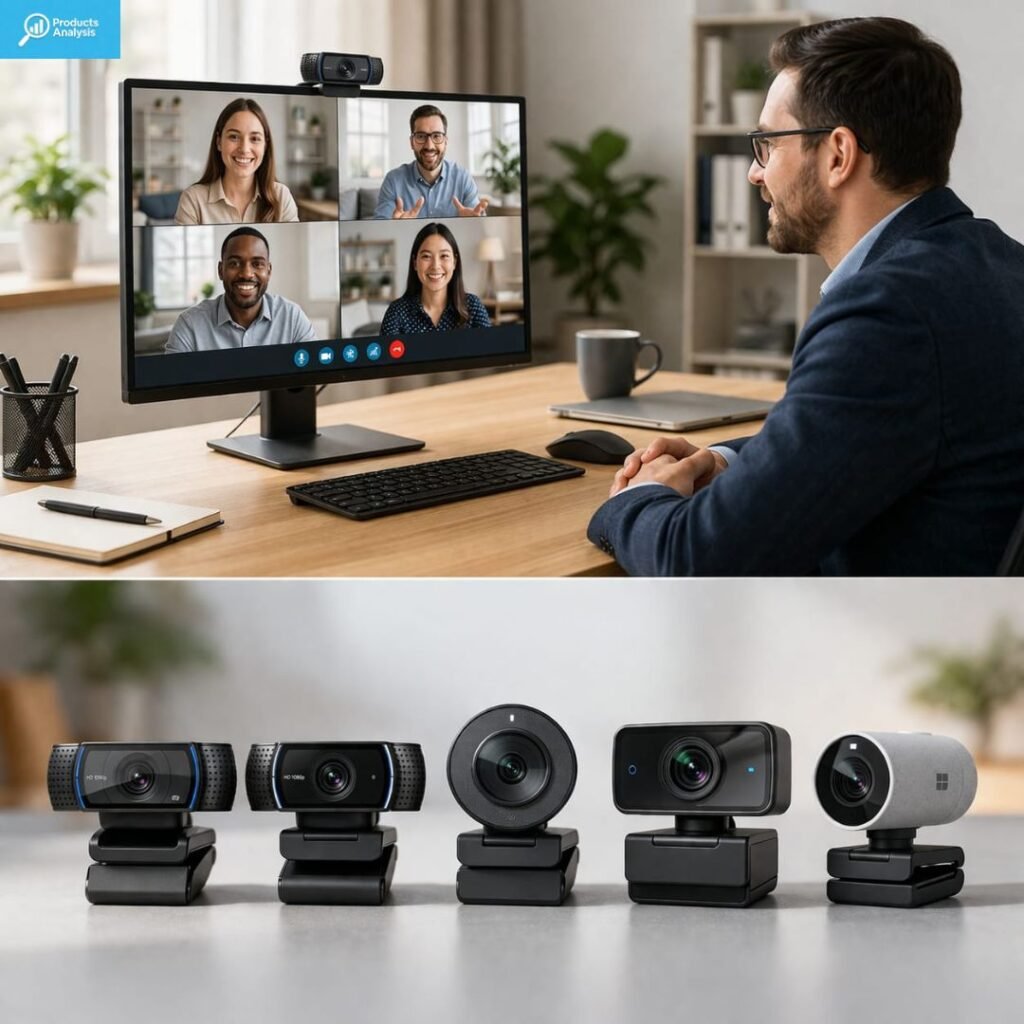
Choosing the right webcam depends on your budget and usage. Below are some reliable options based on real-world performance.
The Logitech C920 remains one of the most popular choices due to its consistent 1080p performance and reliable autofocus. It is ideal for beginners and everyday users.
The Logitech C922 improves upon this with better low-light handling and smoother frame rates, making it suitable for professionals working remotely.
Razer Kiyo X is known for its smooth 60fps output and accurate color reproduction, which makes it a strong option for presentations and streaming.
Elgato Facecam is a premium choice with advanced controls and excellent image quality. It is more suitable for content creators who need high-level customization.
Microsoft Modern Webcam offers a simple design and stable performance, making it a good option for office environments.
All these options align well with the needs of Webcams for Online Meetings 2026, depending on your specific requirements.
Best Setup for Professional Video Calls
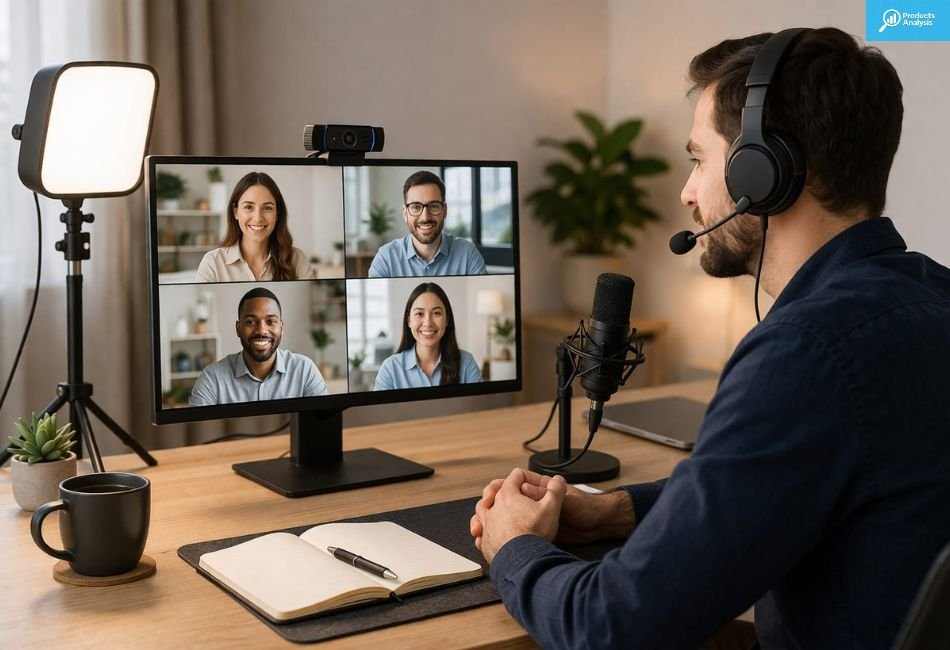
Having a good webcam alone is not enough. A complete setup ensures the best results.
A proper setup includes a 1080p webcam, soft front lighting, and a stable mounting position. Audio should also be clear, which can be improved with external microphones or headsets.
For a more detailed setup, you can explore Best Portable Projectors Under $400 for Movies & Gaming 2026, where workspace and visual setup tips are also discussed in a practical way.
A well-balanced setup significantly enhances the performance of Webcams for Online Meetings 2026 and improves your overall presence in meetings.
Practical Comparison Overview
When comparing webcams, it is important to understand how different categories perform in real situations.
Category | Basic Webcam | Mid-Range Webcam | High-End Webcam |
Resolution | 720p | 1080p | 2K / 4K |
Frame Rate | 30fps | 30–60fps | 60fps |
Low-Light Performance | Basic | Good | Advanced |
Autofocus | Limited | Yes | Fast & Accurate |
Field of View | Fixed | Adjustable | Wide & Flexible |
Audio Quality | Average | Decent | Enhanced |
Best For | Casual Calls | Work Meetings | Content Creation |
Price Range | Low | Medium | High |
Basic webcams are suitable for casual users but often lack good low-light performance and autofocus. Mid-range webcams provide the best balance, offering 1080p resolution, decent lighting performance, and reliable autofocus.
High-end webcams deliver advanced features such as 4K resolution and superior image processing, but they are not necessary for most users. In fact, for Webcams for Online Meetings 2026, mid-range options are often the smartest choice.
Common Mistakes to Avoid
Many users make simple mistakes that affect their video quality. One of the most common issues is focusing too much on resolution while ignoring lighting. Even a 4K webcam will look poor in bad lighting.
Another mistake is relying entirely on built-in microphones, which can reduce audio clarity. Some users also buy webcams based on brand popularity without considering their actual needs.
Ignoring compatibility is another problem. Always make sure your webcam works well with your system and software.
Understanding these mistakes can help you get the best results from Webcams for Online Meetings 2026 without wasting money.
Are Expensive Webcams Worth It?
Expensive webcams offer better image processing and additional features, but they are not necessary for everyone. For most users, a mid-range 1080p webcam provides excellent performance.
High-end webcams are only worth it if you create content professionally, need ultra-high resolution, or require advanced controls.
For everyday use, investing in lighting and positioning will have a bigger impact than buying an expensive device. This is an important consideration when choosing Webcams for Online Meetings 2026.
Quick Buying Checklist
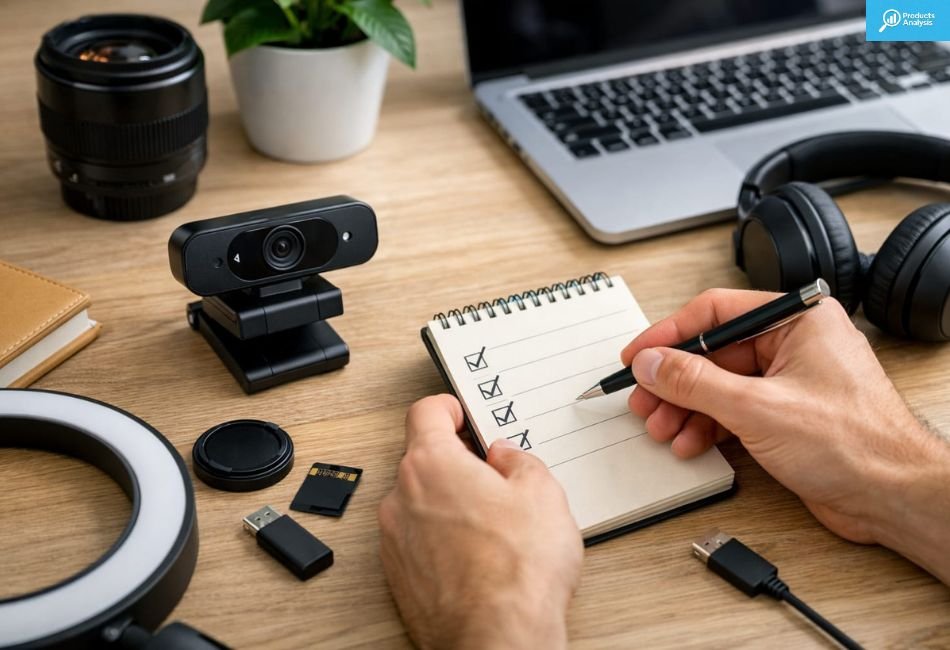
When selecting a webcam, focus on a few key factors:
- 1080p resolution for clear video
- Good low-light performance
- Reliable autofocus
- Easy plug-and-play compatibility
Following this checklist will help you choose the right option from Webcams for Online Meetings 2026 without confusion.
Conclusion
Webcams in 2026 are more advanced, practical, and user-friendly than ever before. However, the key to getting the best results is not just buying a high-end device, but understanding how different factors work together.
For most users, Webcams for Online Meetings 2026 deliver the best results when combined with proper lighting, good positioning, and clear audio. Small improvements in setup can make a significant difference in video quality.
Instead of focusing only on specifications, it is better to choose a webcam that fits your real needs and environment. With the right approach, you can achieve a clean, professional look without spending unnecessarily.
FAQs
Do I need an external webcam if my laptop already has one?
Yes, external webcams generally provide better video quality, especially in low-light conditions
Is 1080p enough for online meetings?
Yes, 1080p is more than sufficient for professional meetings and daily use.
Does lighting affect webcam quality?
Yes, lighting is one of the most important factors in improving video clarity.
Can I use a webcam for content creation?
Yes, many mid-range webcams are suitable for basic content creation and streaming.
Are built-in microphones good enough?
They are fine for casual use, but external audio devices offer much better clarity.

Welcome to Products Analysis! I’m Muhammad Hasban, the founder and author behind this platform. Here, I share detailed insights, reviews, and analysis of products to help you make smart buying decisions. My goal is to provide honest, reliable, and easy-to-understand information for shoppers everywhere.