
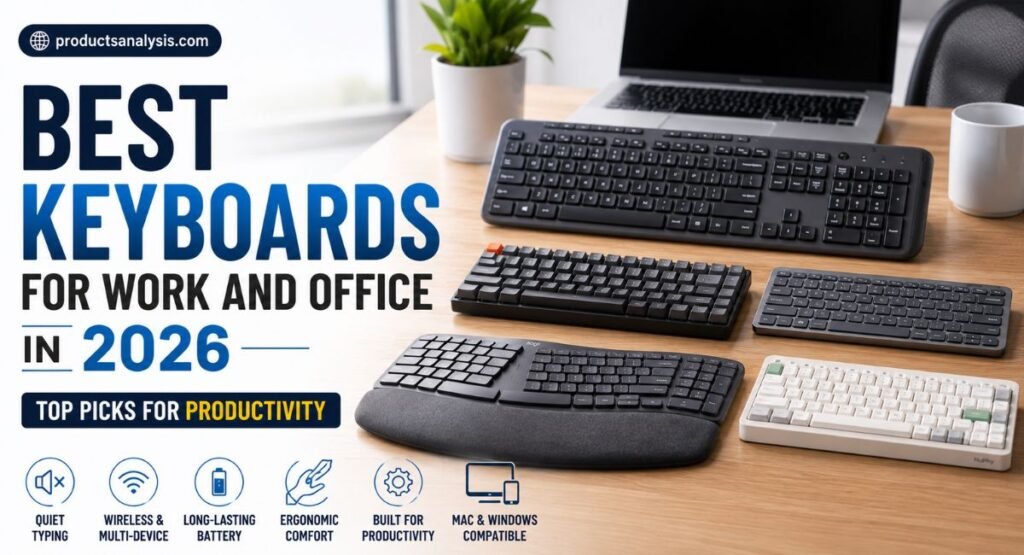
Best Keyboards for Work and Office in 2026: Top Picks for Productivity
A good office keyboard can make long workdays feel noticeably easier. Whether you type reports, manage spreadsheets, or jump between meetings, the right board should support your workflow instead of slowing you down. A comfortable work from home keyboard can reduce distractions while keeping your desk organized.
For hybrid workers, wireless connectivity and multi-device support can save valuable time. Meanwhile, writers and developers may prefer a different typing feel than finance professionals. In this guide, we’ll explore comfort, noise, layout, connectivity, and durability to help you choose a reliable keyboard that feels comfortable throughout your working day.
Best Office Keyboards for Work in 2026
The best keyboards for office work balance comfort, noise, layout, connectivity, and durability. A good board shouldn’t distract you while you’re writing emails or working inside Excel. Instead, it should quietly disappear into your routine.
Our selection covers different users rather than forcing one design onto everyone. The MX Keys S suits traditional office work, while the Q1 Max targets mechanical enthusiasts. The Ergo K860 focuses on ergonomics. Meanwhile, compact options suit smaller desks and hybrid workers.
Keyboard | Best For | Type | Layout | Main Strength |
Logitech MX Keys S | Overall office work | Scissor | Full-size | Quiet productivity |
Keychron Q1 Max | Mechanical typing | Mechanical | 75% | Customization |
Logitech Ergo K860 | Long workdays | Ergonomic membrane | Full-size | Wrist comfort |
Logitech MX Mechanical Mini | Wireless mechanical work | Mechanical | 75% | Multi-device use |
Keychron C3 Pro | Budget buyers | Mechanical | TKL | Value |
Keychron K3 Pro | Mac users | Low-profile mechanical | 75% | Slim Mac-friendly design |
NuPhy Air75 V3 | Low-profile typing | Mechanical | 75% | Versatility |
Logitech MX Keys S — Best Overall Office Keyboard
For most professionals, the Logitech MX Keys S remains an unusually safe recommendation. Its scissor-style keys feel familiar if you’ve spent years typing on laptops. More importantly, it stays quiet during meetings and supports up to three connected devices. Logitech rates battery life at up to 10 days with backlighting or five months without it.
The full-size layout also makes it practical for spreadsheets and number-heavy work. You get a professional keyboard without gaming-style distractions. Its Bluetooth and Logi Bolt options suit a multi-device keyboard workflow, while Logi Options+ adds customization and Smart Actions for repetitive tasks.
Why the MX Keys S Works So Well for Office Productivity
The real strength is consistency. The low-profile design gives you predictable typing feel without demanding a mechanical learning curve. If your day involves documents, email, spreadsheets, and Zoom calls, the MX Keys S feels more like dependable office equipment than a hobbyist gadget.
It also makes sense for people who move between a MacBook, Windows PC, and tablet. You can switch between three devices with Easy-Switch. That small feature becomes surprisingly valuable when your desk contains several computers.
Keychron Q1 Max — Best Mechanical Keyboard for Office
The Keychron Q1 Max takes a very different route. Instead of prioritizing simplicity, it gives you a customizable mechanical keyboard with a 75% layout, CNC aluminum body, hot-swappable switches, PBT keycaps, and multiple connectivity options. Keychron lists 2.4GHz, Bluetooth 5.1, and USB-C connectivity.
Its acoustic design also deserves attention. The Q1 Max uses multiple foam layers and a double-gasket construction to soften the sound and feel. The 4,000mAh battery can provide up to 180 hours with the backlight off according to Keychron’s laboratory figure.
Why Mechanical Typists May Prefer the Q1 Max
The Q1 Max shines when typing feedback matters. You can replace compatible switches without replacing the entire board. QMK/VIA also lets experienced users remap keys and create custom layers. That makes this a particularly capable productivity keyboard for writers and developers.
However, it’s heavy. The assembled version weighs around 1.7kg. That’s excellent for a dedicated desk but awkward for commuting. It also offers more customization than most office workers actually need.
Logitech Ergo K860 — Best Ergonomic Keyboard for Long Hours
If comfort sits at the top of your shopping list, the Logitech Ergo K860 deserves serious consideration. Its curved split layout aims to create a more natural hand position. The integrated wrist rest and adjustable negative tilt make it especially interesting for people who spend most of the day typing.
Unlike many specialized ergonomic designs, the K860 doesn’t completely reinvent the keyboard. You still get a familiar full-size layout with a number pad. That makes the transition easier for office workers who want better typing comfort without relearning every key position.
Where the Ergo K860 Makes Sense
The K860 is particularly useful as an ergonomic office keyboard for remote workers, accountants, writers, and spreadsheet-heavy users. Its wireless connection supports Bluetooth Low Energy and Logi Bolt. Logitech rates its two AAA batteries for up to 24 months under stated conditions.
The trade-off is simple. You don’t get mechanical switches or enthusiast-level customization. If your priority is comfortable daily typing rather than switch experimentation, that isn’t necessarily a weakness. Sometimes the smartest keyboard for work is the one that causes the least fuss.
Logitech MX Mechanical Mini — Best Wireless Mechanical Keyboard
The MX Mechanical Mini is aimed at people who want mechanical switches without turning their desk into a gaming station. Its low-profile mechanical design keeps the keyboard relatively slim while retaining more noticeable key feedback than a typical scissor board. Logitech also provides three switch types and Easy-Switch connectivity.
For a hybrid worker, that combination is useful. You can maintain a compact wireless mechanical keyboard setup while switching between computers. The smaller layout also leaves more room for your mouse, notebook, or other desk accessories.
Who Should Choose the MX Mechanical Mini?
Choose it if you want mechanical feedback but prefer a polished office appearance. Its low-profile construction is less imposing than many enthusiast boards. For shared spaces, selecting a quieter switch option makes more sense than choosing a clicky switch that announces every keystroke.
The biggest limitation is customization. Compared with the Q1 Max or other enthusiast boards, the MX Mechanical Mini gives you less freedom to modify switches, firmware, and hardware. It’s designed more as a finished product than a keyboard-building platform.
Keychron C3 Pro — Best Budget Office Keyboard
The Keychron C3 Pro proves that a budget keyboard doesn’t have to feel disposable. It uses a TKL layout, mechanical switches, a steel plate, gasket mounting, and QMK/VIA support. Keychron lists USB-C connectivity and both Windows and macOS keycaps.
That wired design won’t suit everyone. Still, for a permanent workstation, it removes battery concerns and wireless pairing problems. The C3 Pro can make an excellent budget mechanical keyboard for students, writers, developers, and anyone building a first mechanical setup.
Where the C3 Pro Saves Money
The C3 Pro skips expensive wireless hardware and premium materials. Its ABS case keeps the price down while the gasket mount adds some refinement to the typing experience. You also get multiple adjustable typing angles and a removable USB-C connection.
The important point is value. You aren’t paying for decorative extras that don’t improve your workflow. If you want a straightforward office keyboard with mechanical switches and customization, the C3 Pro is an easy model to consider.
Keychron K3 Pro — Best Low-Profile Keyboard for Mac Users
Mac users often want something that feels closer to a laptop keyboard while retaining mechanical switch feedback. The Keychron K3 Pro targets that exact space with an 84-key 75% layout, low-profile mechanical switches, Bluetooth 5.1, and USB-C connectivity.
Its low-profile double-shot PBT keycaps help keep the board slim without making it feel like a generic membrane board. The keyboard supports macOS, Windows, and Linux. Keychron also provides multiple adjustable typing angles for users who want to fine-tune their setup.
Why Mac Users Should Consider the K3 Pro
The K3 Pro makes sense when you want a keyboard for Mac that doesn’t sacrifice mechanical customization. It has a compact footprint while retaining function-row access. That combination works nicely beside a MacBook or Mac mini.
Battery life reaches around 100 hours with the backlight off according to Keychron’s published laboratory figure. With RGB enabled, the company’s figure drops to around 50 hours at the lowest brightness.
NuPhy Air75 V3 — Best Low-Profile Mechanical Keyboard
The NuPhy Air75 V3 is one of the more versatile choices here. It combines a 75% layout with low-profile switches, gasket mounting, hot-swappable support, PBT keycaps, and three connection methods. NuPhy lists 2.4GHz, Bluetooth 5.0, and USB-C wired modes.
Battery endurance is another standout feature. NuPhy claims up to 1,200 hours with lighting off in laboratory testing. With lighting enabled, the published figures vary considerably depending on the lighting setup. That’s why real-world battery life will usually differ from the headline number.
Why the Air75 V3 Is Good for Hybrid Workers
The Air75 V3 works well when portability matters. At roughly 724 grams, it’s considerably easier to move than a heavy full-metal board. Its compact shape also suits smaller desk setups where every inch matters.
You also get hot-swappable switches and gasket mounting. That gives the board more flexibility than a typical slim office keyboard. For a keyboard for hybrid work, the combination of wireless options, portability, and mechanical customization is compelling.
What Actually Matters in an Office Keyboard?
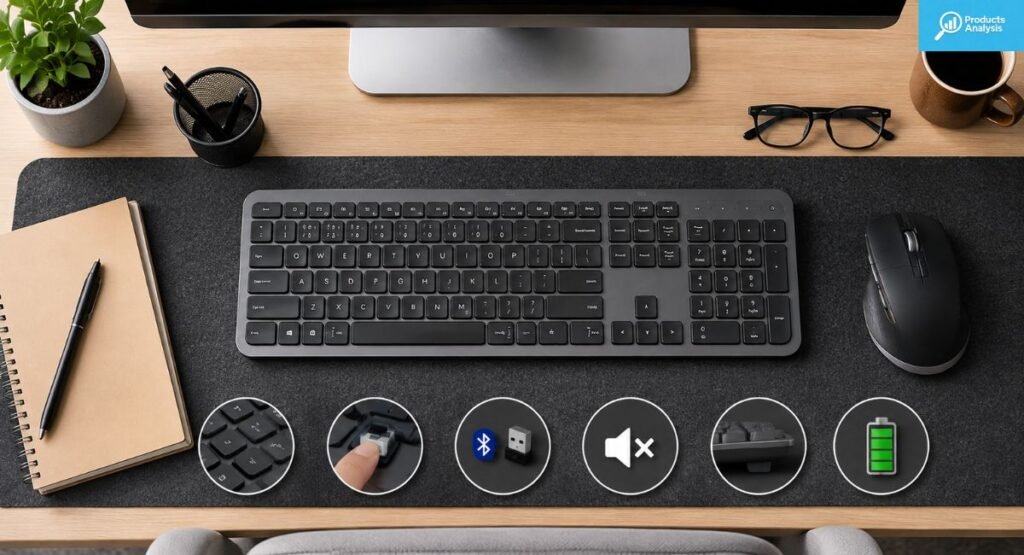
Forget flashy specifications for a moment. The best office board should first match your working habits. Typing comfort, noise, layout, connection reliability, and key feel matter more than RGB effects when you’re staring at spreadsheets for six hours.
Noise deserves special attention in an open-plan office. Clicky switches can become irritating quickly. Quiet scissor boards or mechanical keyboards fitted with silent switches are usually friendlier choices. Your colleagues may never compliment your keyboard, but they’ll notice when it sounds like a tiny typewriter beside them.
The Features That Affect Daily Productivity
Comfort comes from several small details working together. Key travel, actuation force, keycap texture, wrist position, and keyboard angle all influence the typing experience. A board that feels excellent for fifteen minutes might become tiring after several hours.
Connectivity also matters more than many buyers expect. Bluetooth is convenient for laptops and tablets. A 2.4GHz receiver can provide a more direct wireless connection for your main computer. USB-C remains useful when you need a reliable wired fallback.
How to Choose the Best Keyboard for Your Work Setup
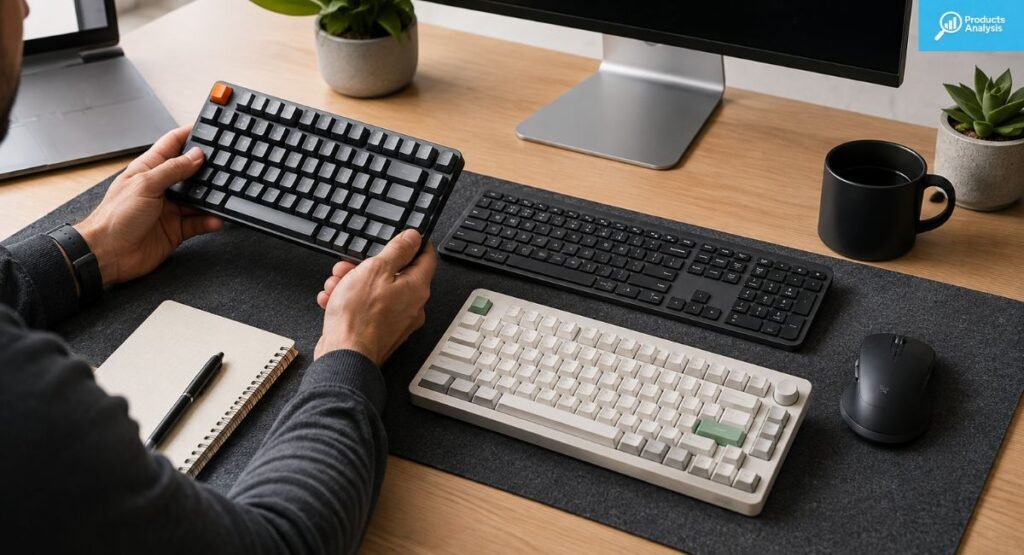
Start with your workflow rather than the keyboard’s feature list. If you spend your day entering numbers, a full-size keyboard with a numpad makes sense. If you write code or documents, a 75% keyboard or TKL layout may provide more desk space without sacrificing important keys.
For small desks, a compact keyboard can improve your mouse position and free room for notebooks. Writers may prefer a board with comfortable switches and consistent key travel. Meanwhile, developers often appreciate programmable keys and QMK/VIA. There isn’t one perfect layout for every worker.
Match the Keyboard to Your Job
A finance professional may value a number pad more than wireless portability. A writer may care about key feel and low noise. A programmer might prefer customization. A remote worker may prioritize Bluetooth and multi-device switching.
Your operating system also matters. Check Mac/Windows compatibility before buying. Some boards handle both platforms elegantly, while others require remapping or software. If you frequently move between a MacBook and Windows PC, hardware-based switching can be especially convenient.
Mechanical vs Membrane Keyboards for Office Work: Which Is Better?
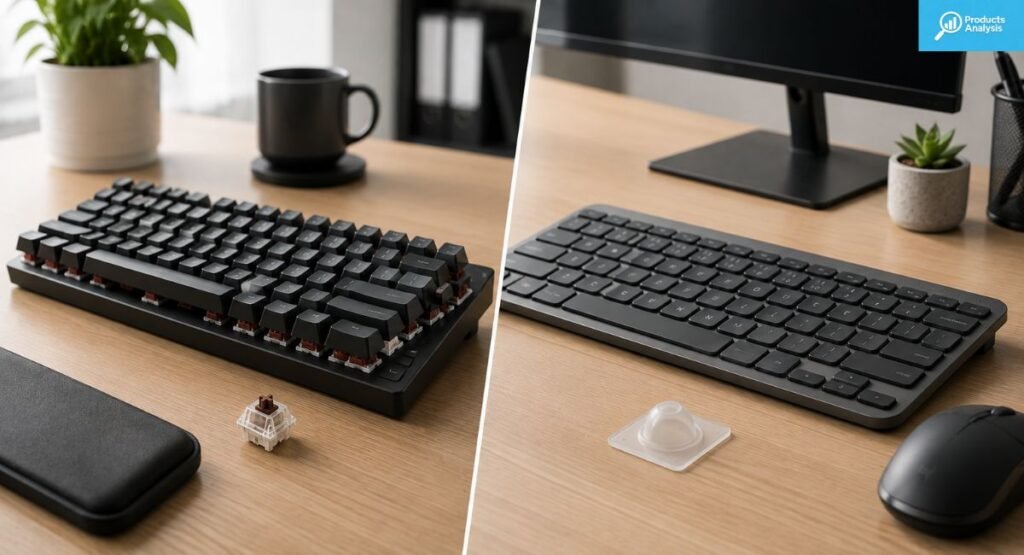
The mechanical vs membrane keyboard argument has no universal winner. Mechanical boards usually provide stronger tactile feedback, longer switch life, and more customization. Membrane and scissor keyboards often feel quieter and more familiar, especially for people accustomed to laptops.
For an office, noise can outweigh everything else. A mechanical board with silent tactile switches can work beautifully in a shared room. A clicky mechanical board can become a nuisance. Likewise, a premium scissor keyboard can outperform a cheap mechanical board if comfort and simplicity matter more.
Which Type Should You Buy?
Choose mechanical if you care about switch choice, customization, durability, and distinct typing feedback. Choose membrane or scissor if you want simplicity, low noise, and a familiar laptop-like feel.
Neither choice automatically makes you more productive. Your typing habits matter more. The best board is the one that stays comfortable through your longest work session without becoming an annoyance.
Best Keyboard for Different Office Workers
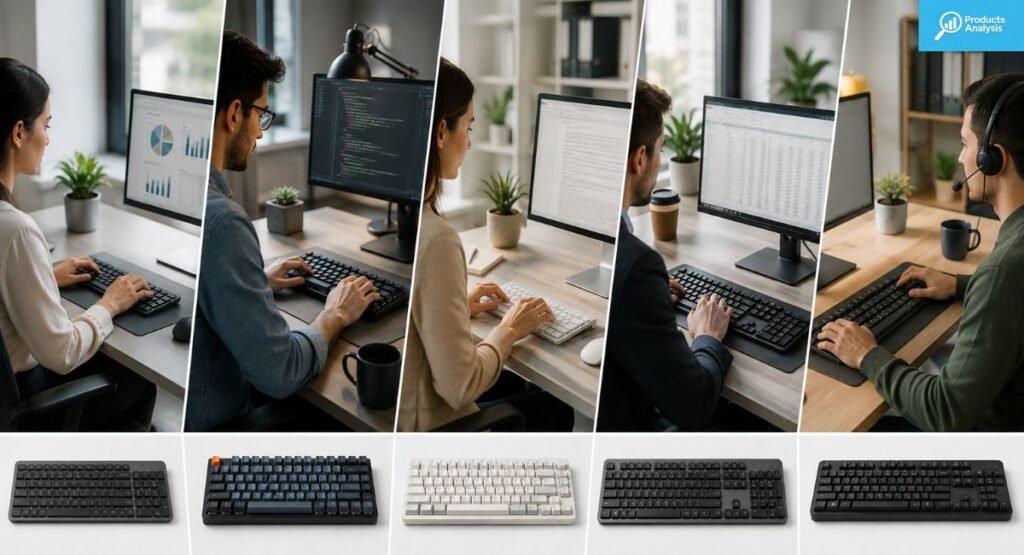
The best keyboard changes dramatically depending on the person using it. A spreadsheet-heavy accountant has different needs from a freelance writer. A programmer may want programmable layers while a receptionist might simply want quiet keys and reliable wireless connectivity.
For keyboard for finance and keyboard for accountants use, full-size layouts remain practical because number pads speed up repetitive numerical entry. For writers, low noise and comfortable key travel often matter more. Developers may prefer TKL or 75% boards with customization.
User | Best Choice | Main Reason |
General office worker | MX Keys S | Quiet and simple |
Remote worker | MX Keys S | Multi-device support |
Mechanical enthusiast | Q1 Max | Customization |
Long-hour typist | Ergo K860 | Ergonomic design |
Budget buyer | C3 Pro | Strong value |
Mac user | K3 Pro | Mac compatibility |
Small desk user | Air75 V3 | Compact low-profile design |
Spreadsheet user | MX Keys S | Full-size numpad |
This comparison also shows why buying solely from a generic “best” list can backfire. Your workstation setup determines which features actually matter. A keyboard that wins for a programmer may feel cumbersome for an accountant who enters numbers all day.
Final Verdict: Which Office Keyboard Should You Buy?
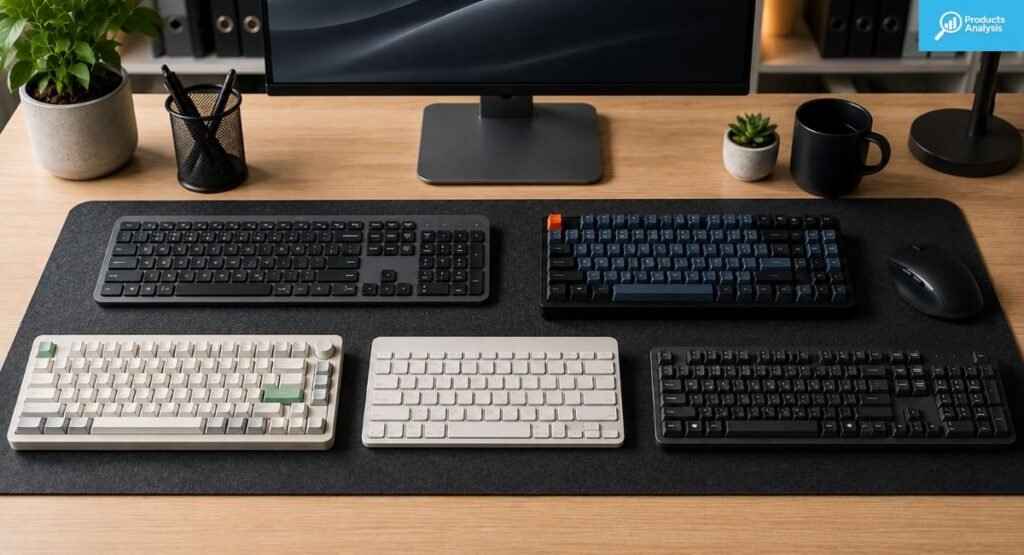
After comparing layouts, switch types, connectivity, comfort, and everyday usability, the Logitech MX Keys S is the easiest recommendation for most professionals. It combines a full-size layout, quiet scissor keys, three-device switching, USB-C charging, and strong compatibility. Logitech lists up to five months of battery life with backlighting disabled.
For enthusiasts, the Q1 Max is the more ambitious choice. The Ergo K860 makes more sense when ergonomics dominate your priorities. Meanwhile, the C3 Pro gives budget buyers an inexpensive route into mechanical keyboards. The K3 Pro and Air75 V3 are especially attractive if you prefer a slim, modern workspace.
Our Final Recommendations
If you want the best keyboard for productivity, start with the MX Keys S. It offers the broadest combination of comfort, silence, connectivity, and simplicity.
If you specifically want mechanical switches, the Q1 Max is the premium pick. If you want something cheaper, the C3 Pro provides remarkable customization for its class. For long workdays, the Ergo K860 deserves priority. For compact wireless work, the K3 Pro and Air75 V3 are both compelling alternatives.
Frequently Asked Questions About Office Keyboards
Choosing between several keyboards can still feel confusing after comparing specifications. The questions below address the practical concerns that usually matter most before buying a home office keyboard or upgrading an existing workstation.
The short answer is that no single model wins every category. Your ideal choice depends on typing hours, desk space, operating system, noise tolerance, and whether you prefer mechanical or scissor switches. Think of your keyboard as work equipment rather than another computer accessory.
What is the best keyboard for office work in 2026?
The Logitech MX Keys S is the strongest all-around choice for most office workers. It combines quiet keys, a full-size layout, multi-device support, and rechargeable power.
Are mechanical keyboards good for office work?
Yes. A silent mechanical keyboard can be excellent for office work. Choose quieter linear or tactile switches if you share a room or frequently attend meetings.
What is the best keyboard for working from home?
The MX Keys S is an excellent keyboard for remote work because it supports multiple devices and keeps typing noise low. The Ergo K860 is better if comfort is your main concern.
Is a full-size keyboard better for productivity?
Not always. A full-size board is useful for spreadsheets and numerical entry. A TKL or 75% layout can be better when desk space matters more.
What is the best keyboard for typing all day?
The answer depends on personal preference. The Ergo K860 emphasizes ergonomic positioning, while the MX Keys S provides a familiar low-profile typing experience.
Is wireless better than wired for office work?
Wireless provides a cleaner desk and easier device switching. Wired keyboards avoid charging and pairing concerns. The wireless vs wired keyboard choice ultimately depends on your workstation.
What is the best keyboard for Mac and Windows?
The Keychron K3 Pro and MX Keys S both support cross-platform workflows. The K3 Pro offers mechanical customization, while the MX Keys S prioritizes simplicity and seamless switching.

Welcome to Products Analysis! I’m Muhammad Hasban, the founder and author behind this platform. Here, I share detailed insights, reviews, and analysis of products to help you make smart buying decisions. My goal is to provide honest, reliable, and easy-to-understand information for shoppers everywhere.