
College Tech Essentials 2026: 10 Things Students Actually Need
Starting college usually means juggling classes, assignments, group projects, online lectures, part-time work, and plenty of everyday tasks. The right technology can make those responsibilities easier, but buying every gadget you see isn’t the answer.
The best college tech essentials 2026 are the devices and accessories that solve common student problems without creating unnecessary expense. A dependable laptop matters far more than a desk full of gadgets, while a good charger, power bank, headphones, and backup storage can prevent small problems from becoming major headaches.
This guide covers 10 practical pieces of technology worth considering, what each one actually does for students, and where you can save money by choosing a simpler alternative.
What Technology Do College Students Actually Need?
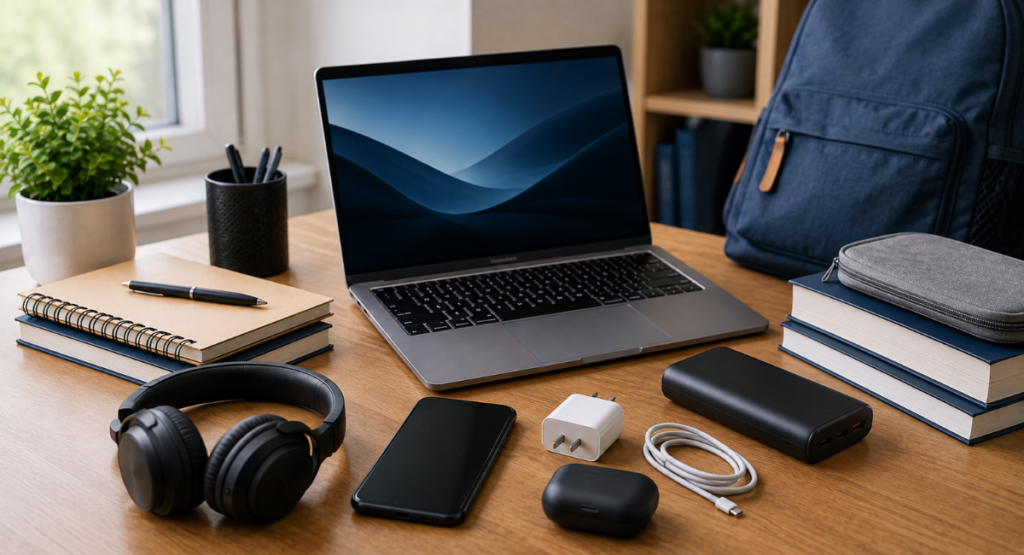
Most students don’t need an expensive collection of electronics. A capable computer, reliable internet connection, charging accessories, and a way to protect or back up important files cover much of everyday academic life.
Your major can change that equation. Engineering, design, computer science, film, and other demanding programs may require more powerful hardware than a student primarily writing papers and using web-based applications.
Tech Essential | Main Purpose | Most Useful For | Can You Skip It? |
Laptop | Classes, research, assignments | Almost every student | Rarely |
USB-C charger | Fast, convenient charging | Students with USB-C devices | Sometimes |
Power bank | Emergency charging | Commuters and campus users | Yes |
Wireless earbuds/headphones | Lectures, calls, studying | Most students | Yes |
External SSD | File backup and storage | Students with large files | Sometimes |
USB-C hub | Connects multiple accessories | Laptop users | Yes |
Tablet | Reading and handwritten notes | Heavy readers/note-takers | Yes |
Webcam | Video calls and meetings | Remote/hybrid students | Often |
Portable monitor | Extra screen space | Multitaskers | Yes |
Surge protector | Protects connected electronics | Dorm-room setups | No for valuable setups |
1. A Reliable Laptop Comes First
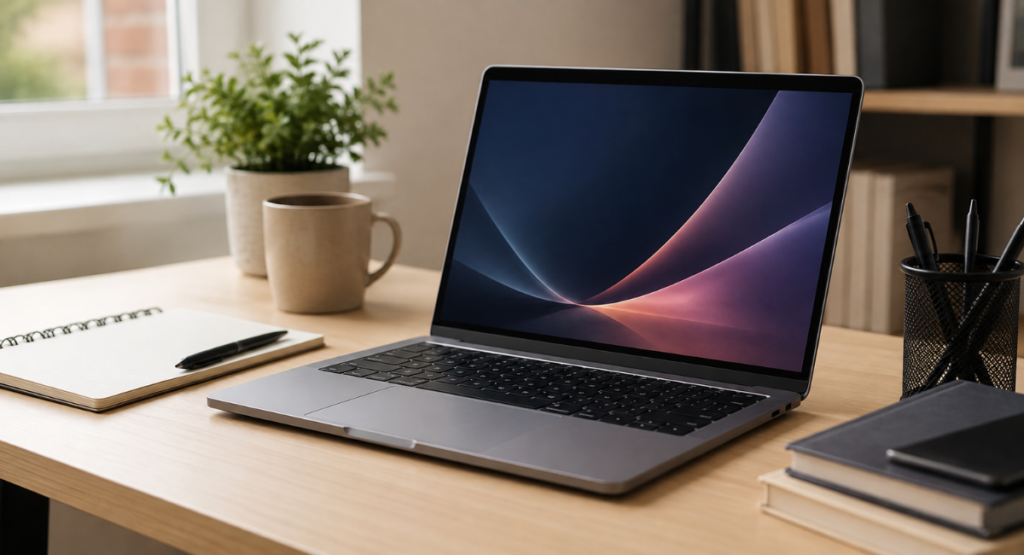
For most students, the laptop is the most important item on the list. It handles research, documents, presentations, video meetings, learning platforms, email, and dozens of browser tabs.
You don’t necessarily need a premium model. For everyday college work, prioritize a comfortable keyboard, good battery capacity, enough RAM, a responsive SSD, dependable Wi-Fi, and a display you can comfortably use for several hours.
How Much Laptop Power Do You Need?
Students working mainly with Microsoft Office, Google Workspace, web applications, PDFs, and video calls can usually avoid high-end hardware. More demanding majors may need stronger processors, additional memory, dedicated graphics, or specialized software.
If you’re shopping specifically around productivity, our guide to Best Laptops for Productivity 2026 can help you compare the factors that matter beyond processor names.
2. A USB-C Charger Reduces Charging Hassles
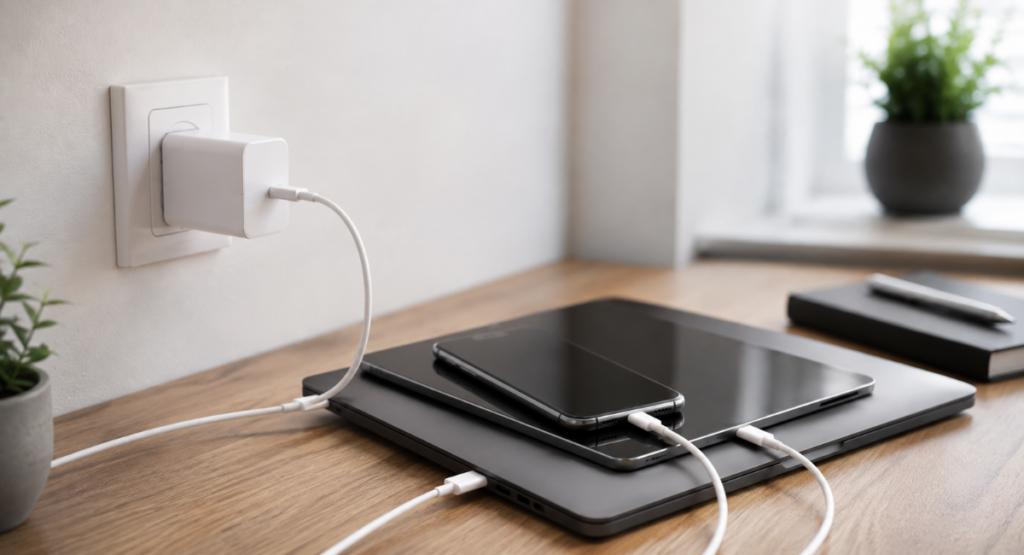
USB-C has become increasingly useful because one charger can potentially handle a laptop, phone, tablet, earbuds, and other compatible devices. However, USB-C alone doesn’t tell you how powerful a charger is.
Check the charger’s wattage and your device’s charging requirements. A phone may work perfectly with a modest charger, while a laptop can require considerably more power. Using a charger with sufficient output helps avoid painfully slow charging.
Why GaN Chargers Are Useful
GaN, or gallium nitride, chargers can provide substantial power in relatively compact designs. That makes them particularly convenient when your backpack already contains textbooks, notebooks, and electronics.
A higher-wattage charger can also reduce the number of adapters you carry, provided your devices support the necessary charging standards.
For more details, see our guide on 240W GaN USB C Charger.
3. A Power Bank Can Save Your Day
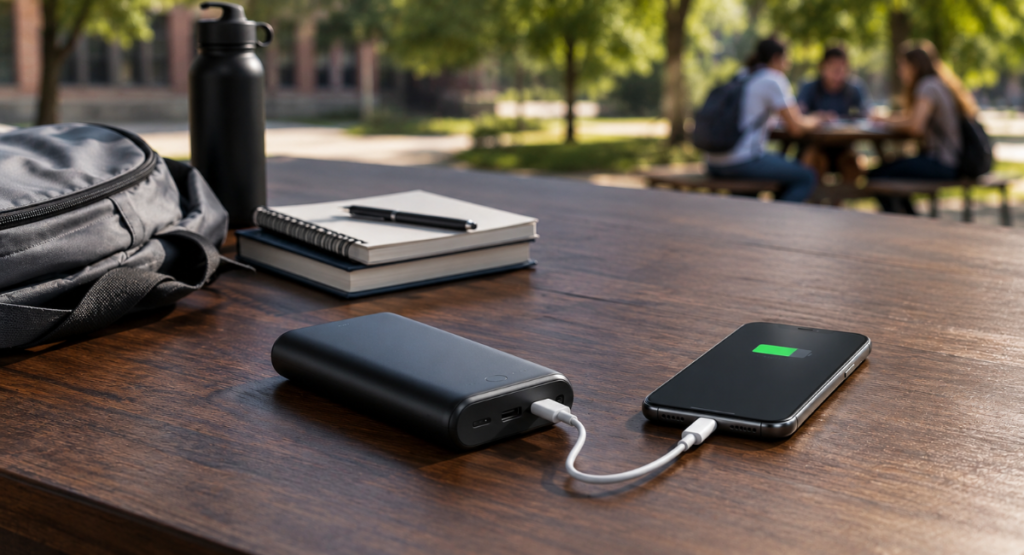
A phone running out of battery at the wrong moment can become surprisingly inconvenient on campus. You may need your phone for authentication, class notifications, transportation, communication, or accessing digital course material.
A power bank provides a backup when an outlet isn’t nearby. Look for a model with enough capacity for your typical day and a USB-C port if your devices use USB-C charging.
Our Best Travel Power Bank 2026 article is also relevant if you regularly spend long days away from home.
Don’t Buy More Capacity Than You Need
Larger capacity isn’t automatically better. A high-capacity power bank can be heavier and less convenient to carry.
For a student who mainly wants emergency phone charging, portability may matter more than maximum capacity. If you also need to recharge a laptop, however, you’ll need to pay much closer attention to output wattage and compatibility.
4. Wireless Earbuds or Headphones Make Studying Easier

Noise can be a constant problem in dorms, libraries, cafeterias, and shared apartments. A decent pair of earbuds or headphones can make lectures, calls, music, and focused study sessions more manageable.
The right choice depends on how you use them. Earbuds are small and easy to carry, while over-ear headphones can be more comfortable for longer sessions and may provide stronger passive noise isolation. Check out Original T2 Wireless Bluetooth Earbuds for a budget-friendly option.
Don’t choose solely based on advertised battery life. Comfort, microphone quality, connectivity, controls, and how securely the device fits can matter more during everyday college use.
For long sessions, consider the OneOdio 110H Wireless Bluetooth 5.2 Headset.
5. An External SSD Gives Important Files a Second Home
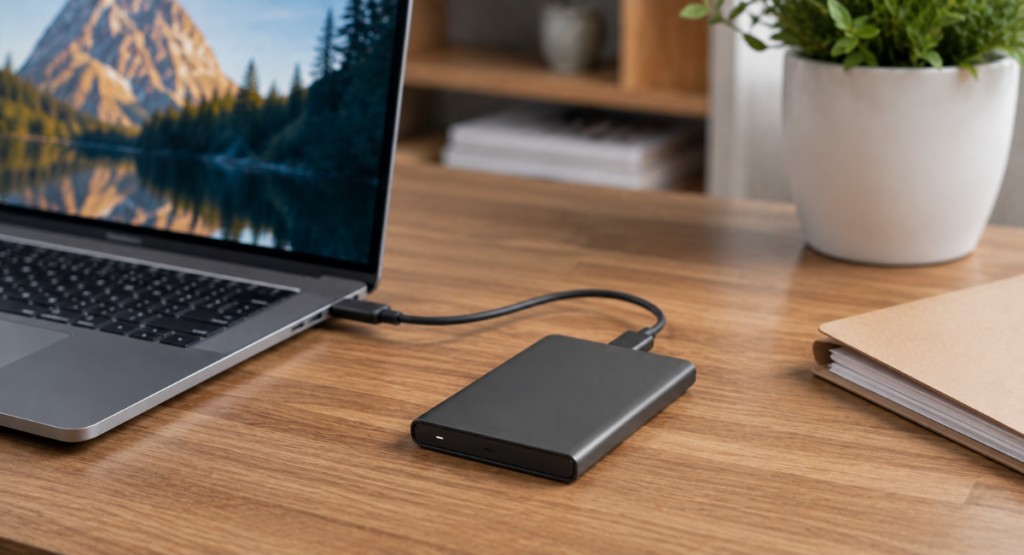
Losing a semester’s worth of assignments because a laptop fails is a problem no student wants. Cloud storage helps, but an external SSD provides another practical backup option.
SSDs are generally faster and more resistant to physical shock than traditional portable hard drives. They’re particularly useful for students handling large video files, photography projects, design work, programming environments, or other data-heavy material.
Backup Is More Important Than Extra Storage
Buying a large drive doesn’t protect your files if you never actually copy anything to it.
For important assignments and projects, consider maintaining at least one additional copy somewhere separate from your primary laptop. Cloud storage can complement a physical drive and provides protection if the laptop or external drive is lost.
6. A USB-C Hub Can Turn One Port Into Several
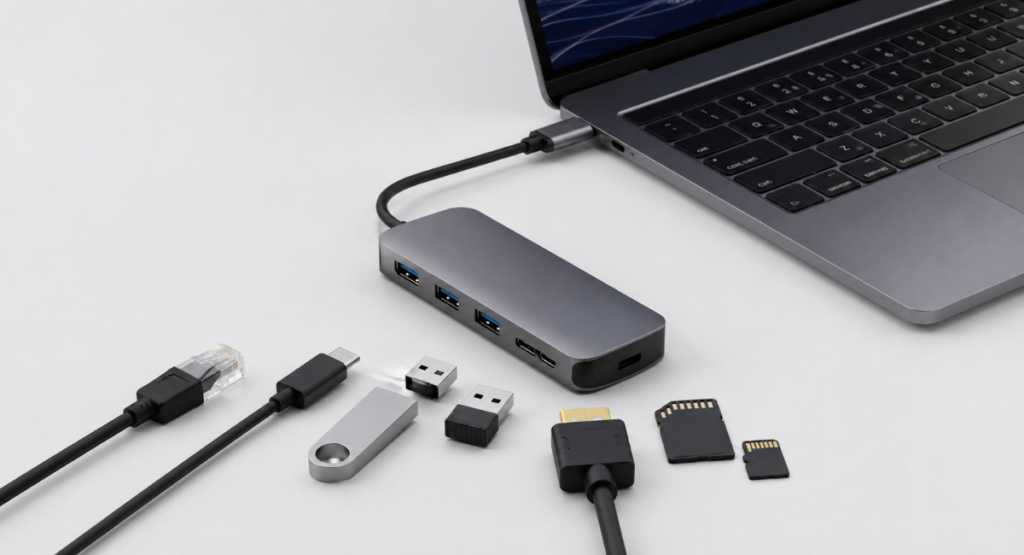
Modern thin laptops sometimes prioritize portability over ports. You may have only a few USB-C connections, making a hub useful when you need to connect a flash drive, external display, mouse, keyboard, or memory card.
A hub isn’t necessary for everyone. If you primarily use wireless accessories and cloud storage, your laptop’s built-in ports may be enough.
Before buying one, check exactly which connections you need. HDMI, USB-A, Ethernet, SD cards, and additional USB-C ports are common options, but not every hub includes them.
7. A Tablet Can Be Excellent for Reading and Notes
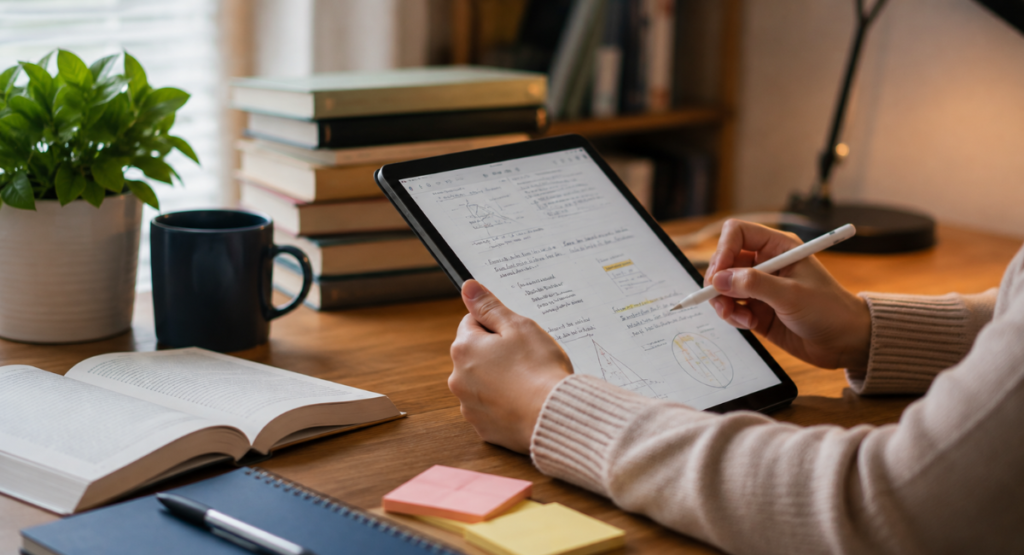
A tablet can complement a laptop rather than replace it. Its lighter design makes it convenient for reading PDFs, reviewing slides, watching lectures, browsing textbooks, and taking handwritten notes with a compatible stylus.
However, a tablet isn’t automatically essential. If your laptop already handles your coursework comfortably, buying another screen may simply add expense.
Students who spend significant time reading digital textbooks or annotating lecture material may get more value from a tablet than someone whose coursework revolves around traditional documents and web applications.
When a Tablet Makes Sense
A tablet becomes more useful when portability and handwriting are priorities. You can carry it around campus more easily than many laptops and use it in situations where opening a full computer feels unnecessary.
For students working with spreadsheets, specialized software, extensive typing, or programming environments, however, a proper laptop generally remains the more practical primary device.
Looking for affordable options? Check our Best Budget Tablet for Students 2026 guide.
8. A Webcam Still Matters for Remote Classes

Many laptops already include webcams, so a separate model isn’t necessary for everyone. If your built-in camera produces a poor image or your laptop’s microphone struggles during video meetings, an external webcam can improve the experience.
This is particularly relevant for students taking remote or hybrid classes, attending virtual office hours, or participating in online interviews and group projects.
You don’t need an expensive camera for ordinary video calls. A reliable connection, reasonable image quality, and a usable microphone are more important than chasing professional-looking specifications.
See our full list of Best Webcams for Online Meetings 2026 for better video quality.
9. A Portable Monitor Can Improve Multitasking
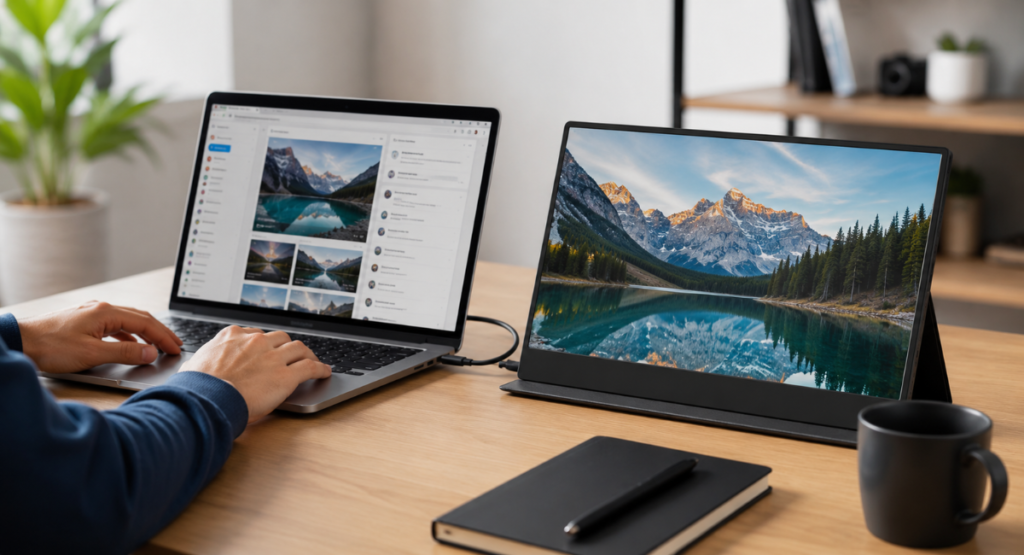
A second display can make a noticeable difference when you’re writing a paper while researching sources, coding while reading documentation, or working with large spreadsheets.
A portable monitor is useful because it can travel with you, but it’s definitely an optional purchase. It adds weight and another device that needs to be charged or connected.
For students who frequently work at a desk, a conventional external monitor may provide a better long-term setup. A portable model makes more sense when you move between dorms, libraries, classrooms, and other workspaces.
Read Best Triple Monitor for Laptop for advanced multitasking setups.
10. A Good Surge Protector Is Easy to Overlook
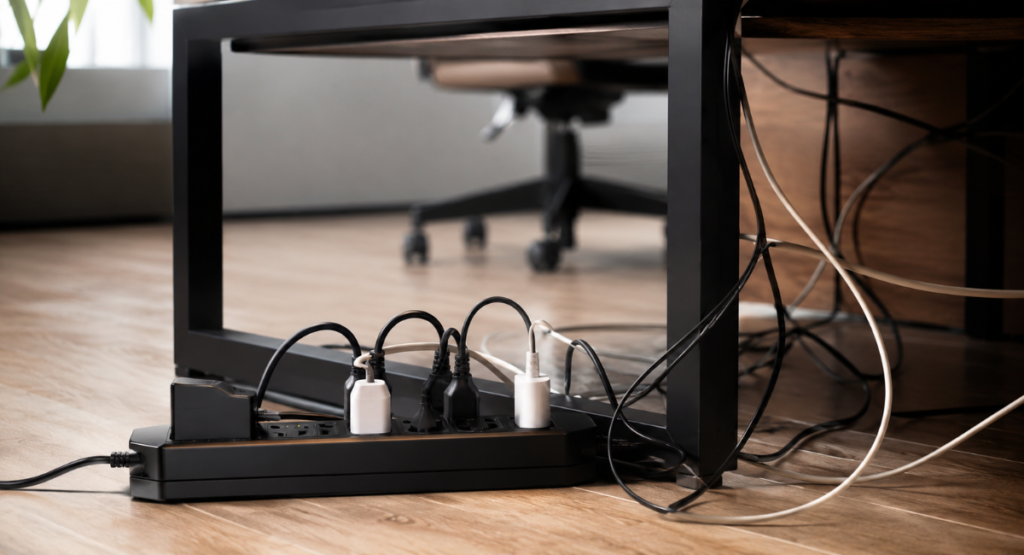
Students often focus on exciting gadgets and forget the basic equipment that connects everything together. A quality surge protector can provide a more organized charging area and help protect connected electronics from certain electrical surges.
This becomes especially useful when your desk contains a laptop charger, monitor, speakers, phone charger, and other electronics.
Avoid treating a surge protector as a guarantee against every electrical problem. It cannot eliminate all risks. Choose a reputable product with appropriate ratings rather than buying the cheapest power strip available.
You can also check Best Smart Plugs for 2026 for smart charging options.
Which College Tech Essentials Matter Most?
Not every student needs all ten items. Your priorities should depend on your coursework, living situation, budget, and how much technology you already own.
A student living on campus with a laptop and smartphone might benefit most from a charger, power bank, headphones, and backup storage. Someone studying remotely could prioritize a webcam and external display instead.
The biggest mistake is buying accessories before identifying the problem you’re trying to solve. If your laptop works well and you rarely run out of battery, spending money on another device may provide little practical benefit.
How to Build a Student Tech Setup on a Budget
Start with the devices you genuinely need for coursework. In most cases, that means a capable laptop and dependable charging setup. Then identify the problems you encounter during a typical week.
If your battery frequently dies, consider a power bank. If your files are poorly organized or vulnerable to loss, improve your backup system. If studying in shared spaces is difficult, headphones may offer more value than another screen.
This approach prevents your college tech essentials 2026 setup from becoming an expensive collection of gadgets that rarely leave your desk.
Don’t Ignore Compatibility
Before buying an accessory, check whether it works with your existing devices. Pay particular attention to USB-C power delivery, display outputs, operating-system compatibility, storage formats, and charging standards.
Compatibility problems can turn an apparently inexpensive accessory into wasted money. A few minutes checking specifications before purchasing can prevent that frustration.
A Practical Student Setup for 2026
For a typical college student, the most sensible setup isn’t necessarily the one with the most devices. A dependable laptop, charger, headphones, and backup solution form a strong foundation.
From there, add equipment according to actual needs. A commuter might prioritize a power bank. A design student may need additional storage and a stronger computer. A remote student could benefit from a webcam and second display.
The goal is simple: college tech essentials 2026 should make studying, communicating, creating, and organizing easier without making your backpack or budget unnecessarily heavy.
Conclusion: College Tech Essentials 2026
The best student technology setup is built around real problems, not a long shopping list. Start with a reliable laptop and dependable charging, then add storage, headphones, a power bank, or other accessories only when they solve a genuine need.
Remember that expensive doesn’t automatically mean useful. For most students, reliability, compatibility, portability, and ease of use matter more than premium specifications. Choose technology that supports your coursework and daily routine, and you’ll get far more value from every device you carry.
College Tech Essentials 2026 FAQ
What are the best new tech gifts for 2026?
Useful gifts include wireless earbuds, portable power banks, tablets, USB-C chargers, and other compact devices that help students study, stay connected, and manage daily campus life.
What is the 90/10 rule for colleges?
The federal 90/10 rule applies to certain for-profit colleges and limits the share of revenue that can come from federal student aid to 90%.
What are some good tech essentials for college students?
A reliable laptop, USB-C charger, power bank, headphones or earbuds, external SSD, and USB-C hub are practical choices for most students.
What are the most important things to get into college?
Start with essentials such as a dependable laptop, required textbooks or course materials, chargers, basic school supplies, and anything specifically required for your major or campus.

Welcome to Products Analysis! I’m Muhammad Hasban, the founder and author behind this platform. Here, I share detailed insights, reviews, and analysis of products to help you make smart buying decisions. My goal is to provide honest, reliable, and easy-to-understand information for shoppers everywhere.